
Accessing records with PocketHealth
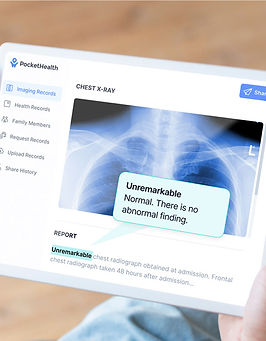
Fast and easy access to your medical imaging and reports online with PocketHealth!
WNGH patients can view, store, and instantly share their medical imaging records with PocketHealth. With just a few clicks, patients can securely access their imaging records from anywhere, and on any device. Some fees may apply.
How to access your records:
-
Go to www.pockethealth.com to request your records.
-
Once your records are ready to view, you’ll receive an email from PocketHealth with a secure link.
-
Instantly download and share your records.
-
Receiving physicians can easily view or import these images in full diagnostic quality, with no software installation or account set-up required.
Have questions about PocketHealth? Please contact PocketHealth directly at 1-855-381-8522
For Physicians:
If you are a physician, external hospital or imaging clinic wishing to learn more about the Access Page received, please view the following document: